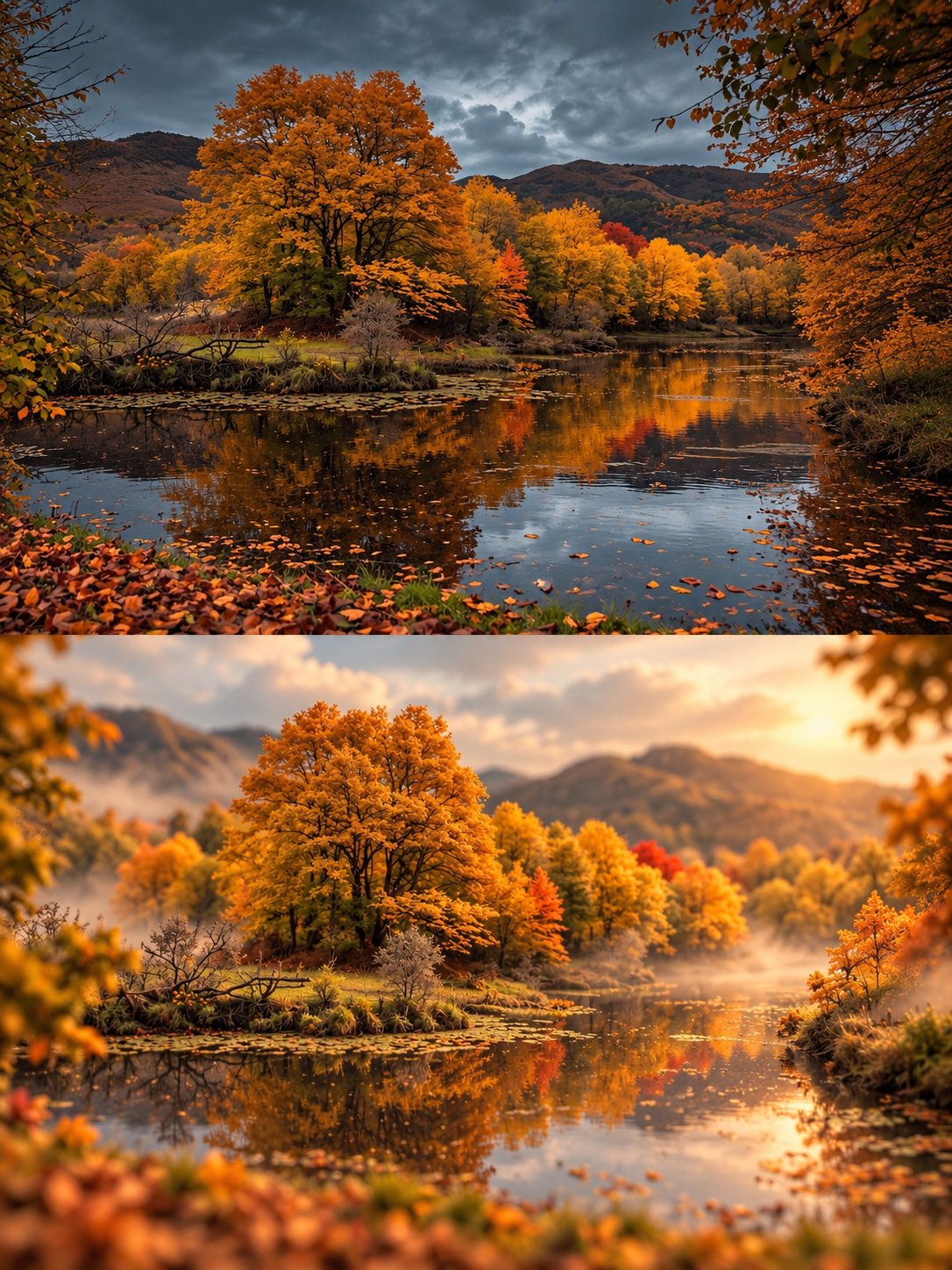
Dreamy Miniature World Photo Transformation
 GPT Image 2.5OpenAIimage
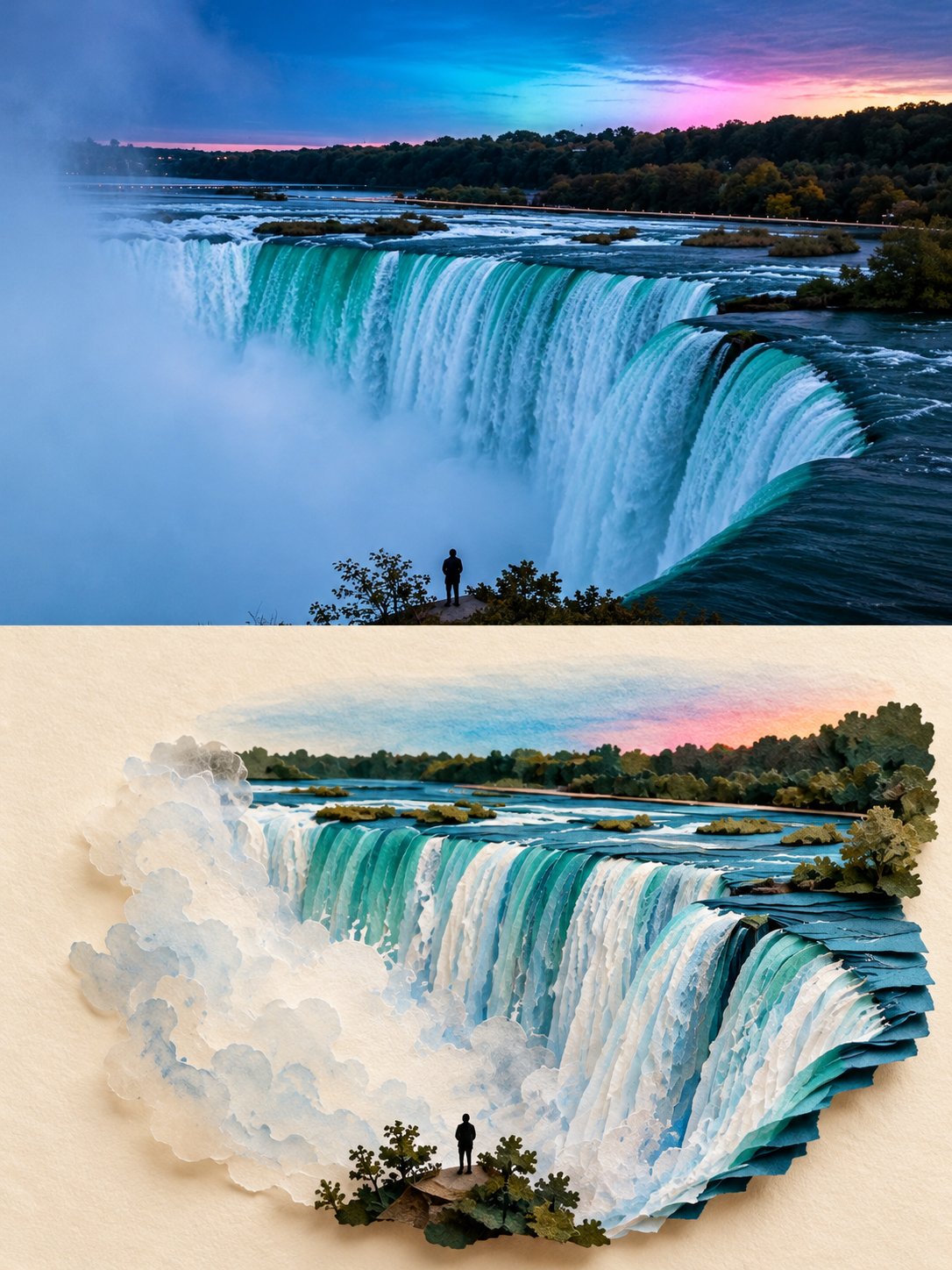
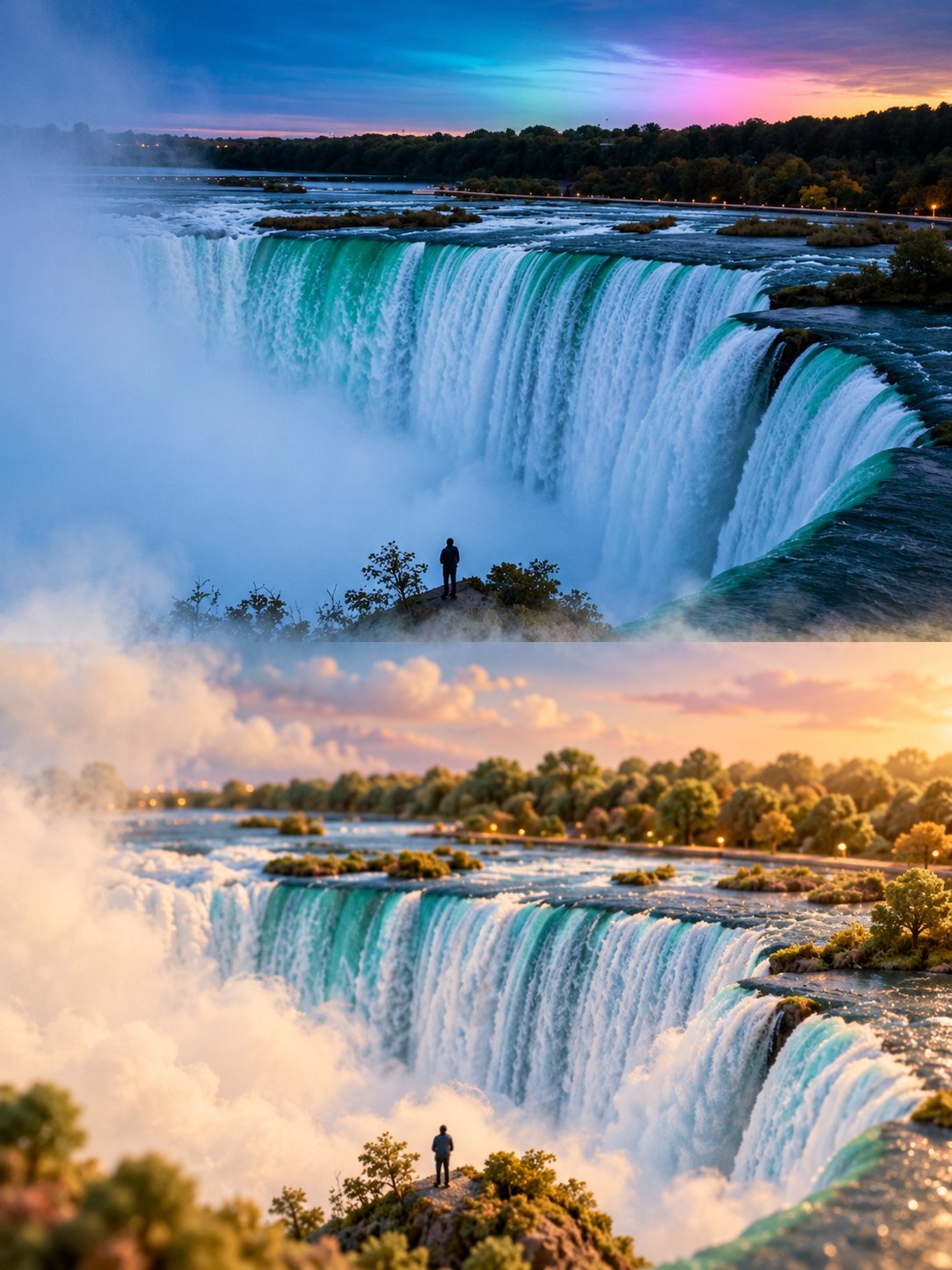
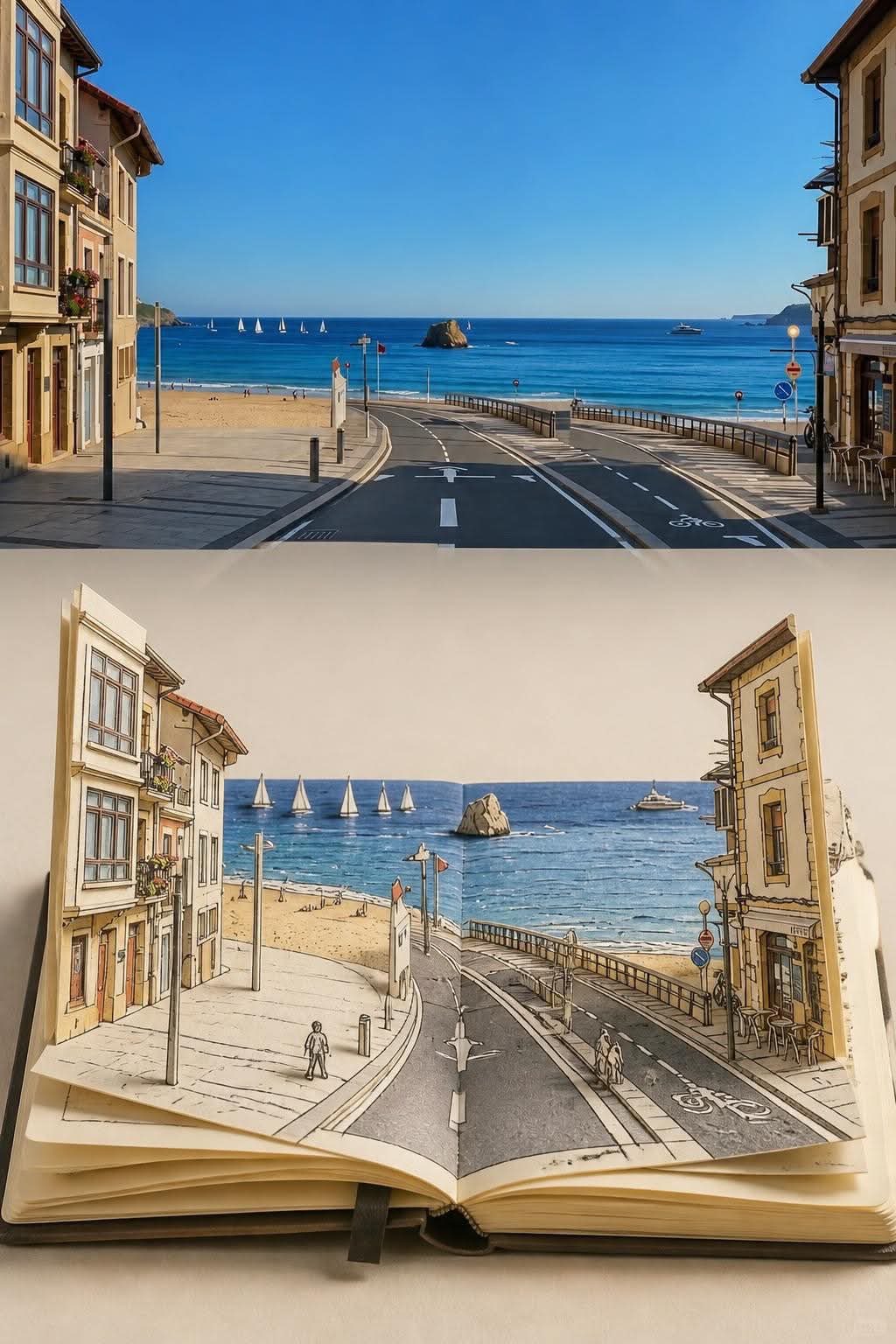
Create a 3:4 vertical dreamy miniature-world transformation of the uploaded photograph. COMPOSITION: Divide the image into two equal horizontal sections. The upper half preserves the original photograph’s realistic appearance, composition, perspective, colors, and recognizable details. The lower half reimagines the exact same scene as a soft, whimsical miniature landscape. MINIATURE WORLD: Transform the original scenery into rounded, delicate forms with a subtle velvety texture and fine tactile grain. Preserve the subject’s identity and spatial arrangement while simplifying details into an enchanting miniature environment. Everything should feel handcrafted, tiny, and gently sculpted rather than cartoonish. ATMOSPHERE: Use muted natural colors, creamy ivory tones, soft warm sunlight, delicate highlights, and layers of floating mist. Let fog flow naturally between the two halves, gradually blending the realistic photograph into the miniature world with softly dissolving edges. ART DIRECTION: Dreamlike, peaceful, airy, understated, and poetic. Combine photographic realism with refined miniature diorama aesthetics, realistic depth, subtle shadows, and beautifully controlled textures. Automatically adapt the miniature transformation to the uploaded photograph. Preserve its defining features and composition; do not introduce unrelated objects or change the scene’s identity. Avoid harsh transitions, oversaturated colors, excessive fantasy, plastic-looking surfaces, heavy blur, text, titles, logos, and watermarks. FORMAT: 3:4 vertical, exact 50/50 horizontal split, high resolution.
Details
- Type
- AI Image Prompts
- Aspect Ratio
- 3:4
- Updated
- Oct 23, 2026
How to use this prompt
- 1Copy the full prompt with the copy button above.
- 2Open GPT Image 2.5 by OpenAI, or any image generator with a similar style range.
- 3Paste the prompt, then swap the subject and style keywords to match your idea.
- 4Match the example's settings (3:4 · Surreal · Whimsical · Ethereal), then iterate — small wording changes shift the output a lot.
Frequently asked questions
Which AI model generated this image?
This image was generated with GPT Image 2.5 by OpenAI. The prompt on this page is the exact text used to create it.
What settings does this prompt use?
The example was generated with GPT Image 2.5 using: 3:4 · Surreal · Whimsical · Ethereal. Reusing these settings gives the closest match.
How do I get similar results?
Copy the prompt as-is first, then replace only the subject while keeping the style, lighting, and composition keywords. Generate a few variations — outputs differ between runs.
Can I modify this prompt?
Yes. Prompts work best as starting points — adjust descriptors, aspect ratio, or style tags to make the output your own.
![Create a surreal, hyperrealistic 3D portrait sculpture of [PERSON'S NAME], constructed entirely from — AI image prompt — GPT Image 2.5](https://cdn.ahaprompt.app/harvest-media/import-1792557747685-aidu7n.jpg)
![Create a sophisticated, dreamy editorial magazine cover titled “[COUNTRY NAME] — A COUNTRY IN ONE DR — AI image prompt — GPT Image 2.5](https://cdn.ahaprompt.app/harvest-media/import-1789368946131-xefjx1.jpg)